
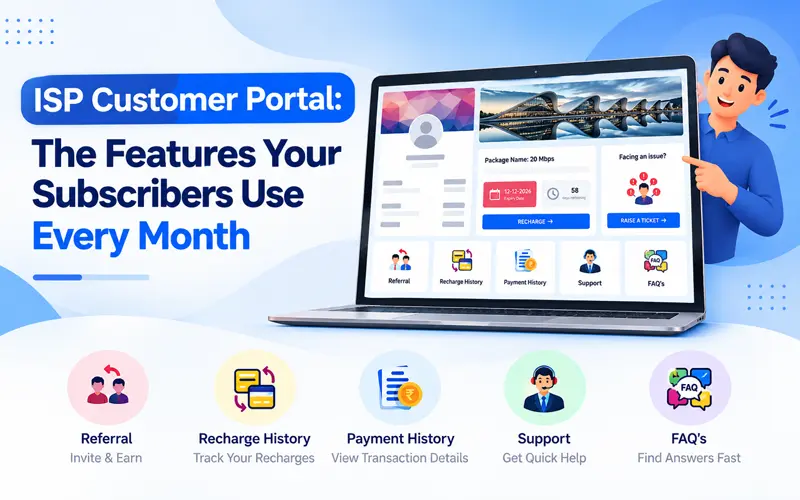
Most calls to an ISP office are about the same few things: How much do I owe? When does my plan expire? Did my payment go through? Who is fixing my connection? A customer portal answers these questions before the subscriber picks up the phone.
Below is what a practical ISP portal looks like, using the ISPMate customer portal as the example, and what each part does for your subscribers and your team.
What is an ISP portal?
An ISP portal is a self-service website where internet subscribers log in to see their connection details, recharge their plan, check payments and raise complaints. Because it runs on the same system as your ISP billing software, every recharge, payment and ticket is updated in one place for both the customer and your team.
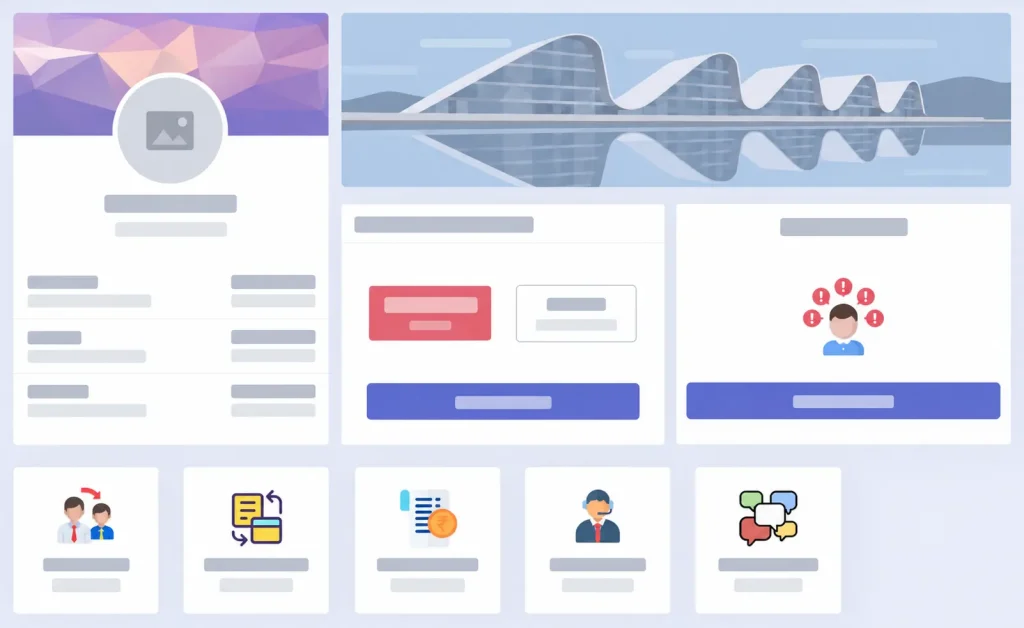
1. Account summary on one screen
The first thing a subscriber sees is a summary of their account: user ID, registered mobile number and email, current package, expiry date, outstanding dues, last recharge date and their last support ticket.
This one card answers most “what is my status?” questions. A subscriber who can see “Dues: ₹0” and “Last recharge: 14-10-2026” does not need to call to confirm a payment.
2. Expiry date and days remaining
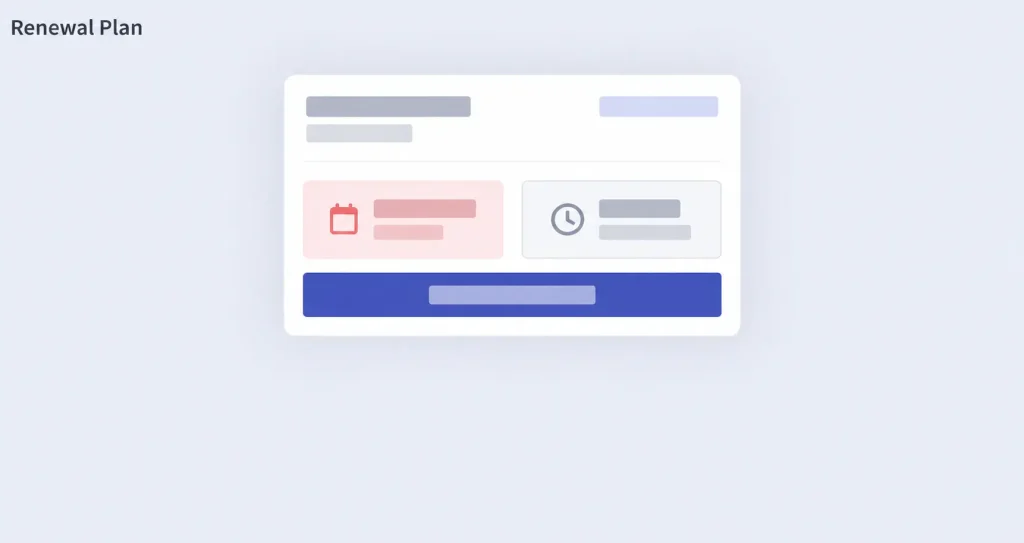
The package card shows the plan name, the exact expiry date and a clear count of days remaining. A visible countdown nudges customers to renew before the connection lapses, which means fewer suspended users and fewer “my internet stopped” calls on the expiry day.
3. One-click recharge
The Recharge button sits right next to the expiry date. Subscribers renew their plan and pay online in a few steps, and the payment is recorded against their account automatically, so your team does not match payments by hand.
4. Raise a ticket
The “Facing an issue?” card lets subscribers raise a complaint directly from the portal. Each complaint becomes a ticket in your complaint management system, assigned to your team and tracked until it is closed. The subscriber’s last ticket also appears on their account summary, so they can see that it was received.
5. Recharge history and payment history
Separate sections list every past recharge and every payment. When a customer disputes a charge or needs proof of payment, the record is already there, for them and for your billing team.
6. Multiple connections under one login
With Switch Account, a subscriber who has more than one connection, such as a home and an office line, can move between them without logging out. Each connection keeps its own plan, expiry and dues.
7. Referral
The referral section lets satisfied subscribers recommend your service to neighbours and friends. For a local ISP, word of mouth is often the cheapest way to win new connections, and the portal puts it in front of every customer who logs in.
8. Offers and announcements
A banner area at the top of the portal shows your current offers, new plans or service announcements. Every customer who logs in to recharge also sees what else you can sell them.
9. Support and FAQs
Support contact details and a FAQ section answer common questions about plans, payments and connection problems, which reduces repeat calls further.

What this means for your ISP
- Fewer routine calls: dues, expiry and payment status are visible to the customer.
- Renewals on time: the expiry countdown and one-click recharge sit side by side.
- Faster complaint handling: every issue becomes a ticket with an owner.
- Clear records: recharge and payment history settle disputes quickly.
- More sales: referrals and offer banners reach every subscriber who logs in.
If your team still tracks renewals and payments in spreadsheets, read the 7 signs your ISP has outgrown Excel billing.
Questions to ask before choosing an ISP portal
- Does the portal share the same database as billing, or sync later?
- Is a successful recharge recorded and the connection renewed without manual work?
- Can subscribers raise and follow complaints from the portal?
- Can one customer manage more than one connection?
- Can you show your own offers and announcements?
- Does it work well on a mobile phone?
For a full buying checklist, see how to choose the best ISP billing software.
Frequently asked questions
An ISP portal is a self-service website where internet subscribers log in to see their plan, expiry date and dues, recharge online, view payment history and raise complaints without calling the ISP.
Yes. In the ISPMate portal the Recharge button sits next to the plan’s expiry date, and the payment is recorded against the subscriber’s account automatically.
Yes. The Switch Account option lets a subscriber move between connections, such as home and office, from one login.
They use “Raise a Ticket” in the portal. The complaint becomes a ticket in the ISP’s complaint management system and is tracked until it is closed.
See the ISPMate customer portal
The ISPMate portal works together with billing, recharge and complaint management, so your subscribers and your team always see the same information. Book a free demo: call +91-9310313545 or write to sales@ispmate.com.